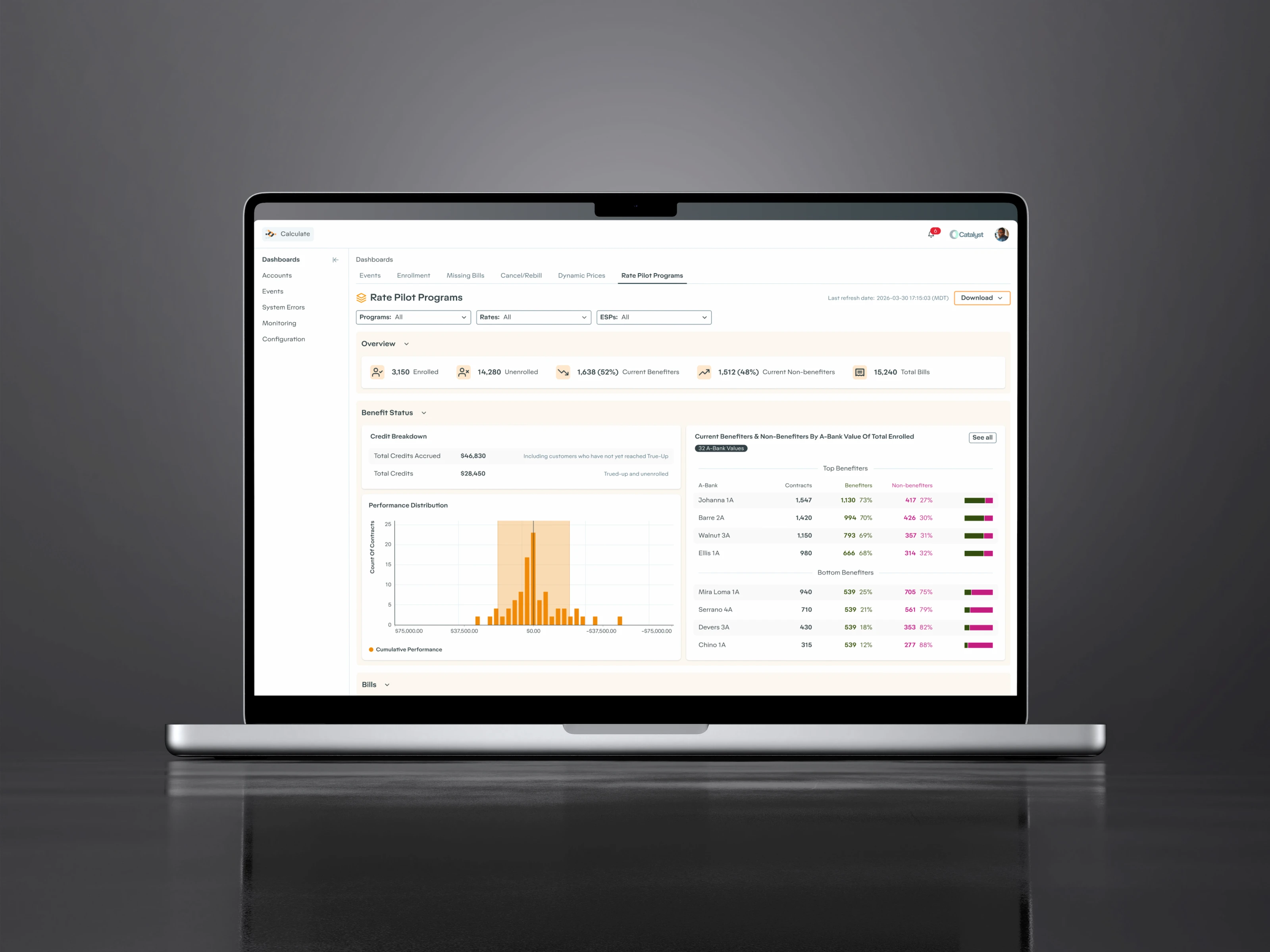
Marthe Næss

SEALAB
BlueThink Control Room
Sealab builds underwater cameras for fish farms, significantly sharper than what the industry is used to. Better images meant a new kind of control room was possible. BlueThink is that control room: a tablet interface for feeding fish, steering cameras, and monitoring conditions across an entire farm.
The operators using it range from seasoned farmers who've fed fish for decades to twenty-year-olds on their first job. Some work on the water, some from a desk hundreds of kilometers away. One interface for all of them.
B2B Product
UX/UI Design
•
Aquaculture Control Room
ROLE
Product Designer
TEAM
Truls Johansen, Tina Danielsen, Øyvind Karlstad, Magnus Harr, Milan Markovic, Oscar Markovic, Asbjørn Markovic
2019

THE CHALLENGE: A NEW control room
Fish farm control rooms ran on industrial image mixers, the kind of hardware that needs someone to teach you which buttons to press. Sealab's cameras were better than anything the industry had seen. The job was to design a control room that any operator could walk up to and use, whether they'd been farming for thirty years or just dropped out of high school in favor of physical labor.


MACHINE VISION
By 2018 Sealab's cameras were the worlds largest harvester of Aquaculture images for AI. Machine vision running on the feed were trained to count sea lice, track feeding behavior, and flag early signs of health problems. The interface had to make room for data that didn't exist before.
Lice counting
Automated detection and count per fish
Food optimization
Tracks pellet movement and feeding response
Health
Flags wounds, behavior changes, mortality
Illustration work
I also provided illustrations, like teh ones above, used in Sealab's marketing material.

TESTING THE CONTROL ROOM
Customers visited Sealab's offices regularly, which gave us a chance to test each version of the control room with real operators before developing it. The setup in the office mirrored what they'd have on site: multiple screens, a chair, and a` tablet. We could watch how they reached for controls, which information they looked for first, and where they hesitated.
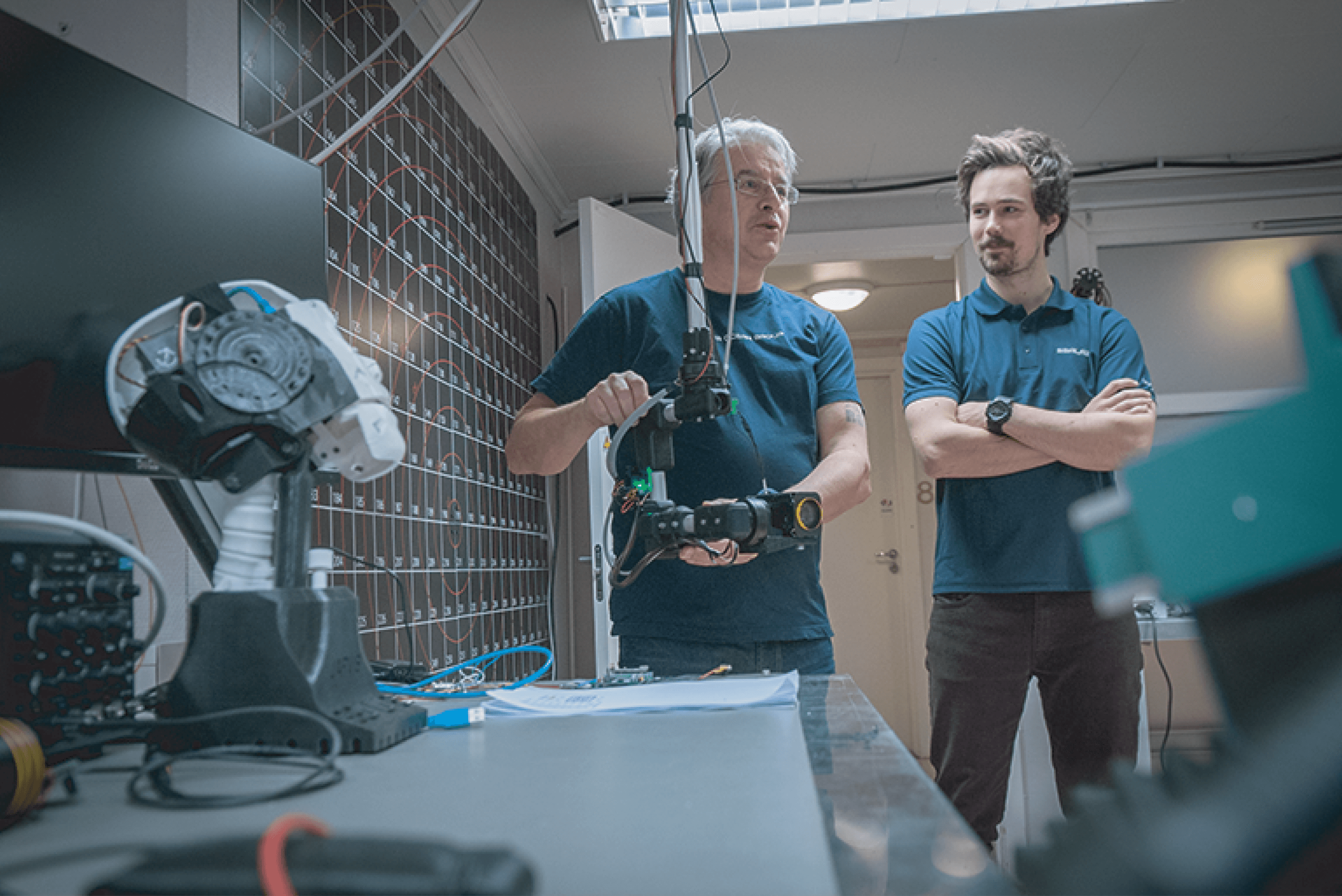


Every cage, one tap away
The tablet is not where they look, it's where they reach. The screens show the camera feeds. The tablet controls which camera goes where, stops feeding, and toggles lights.

Industrial Tablet
The industrial pad may be mounted, or the operator may be holding it with one hand, tapping with the other while standing up or walking around the control room. There is room on each side for the thumb on the holding hand, and ample click surfaces for the tapping hand.

THE Camera Feed
When in the operator room operators spend their time watching the camera feed of the fish, or other important equipment. The quad-view shows up to four feeds at once with relevant environmental and cage data. When they need to focus on one cage during active feeding, they can switch to a single full view.
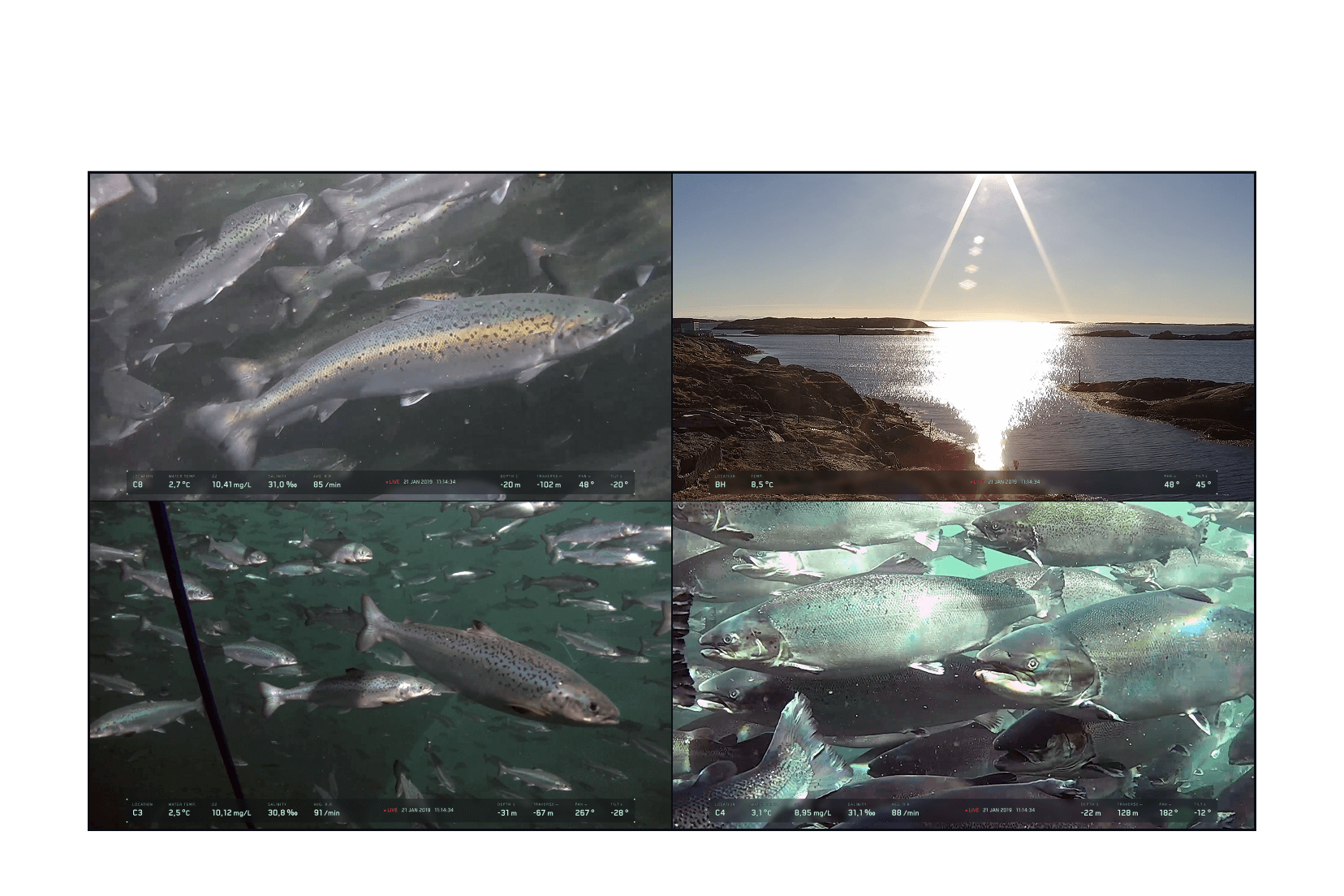
Quad view
Four simultaneous camera feeds
HUD Overlay
The overlay borrows from flight and marine HUD conventions. The pan arc sits at the top, depth on the left vertical axis, tilt on the right, traverse along the bottom, and zoom level in the upper right. In steering mode, the instruments cluster toward the center of the view port so the operator can read position data without looking away from what they're controlling. The layout matches the operator's physical intuition so they can read it peripherally without conscious effort. HUD design research emphasizes stripping visual noise to a minimum, and while an aquaculture feed isn't a high-stakes cockpit, the principle still applies. Operators watch these feeds for hours. The less they have to actively parse, the longer they stay sharp. Environmental readings (water temp, O2, salinity, respiration rate) stay grouped in the bottom left corner where they're accessible but not competing with the camera controls. The three color variations reflect different approaches I explored for contrast and readability across varying water conditions and lighting.

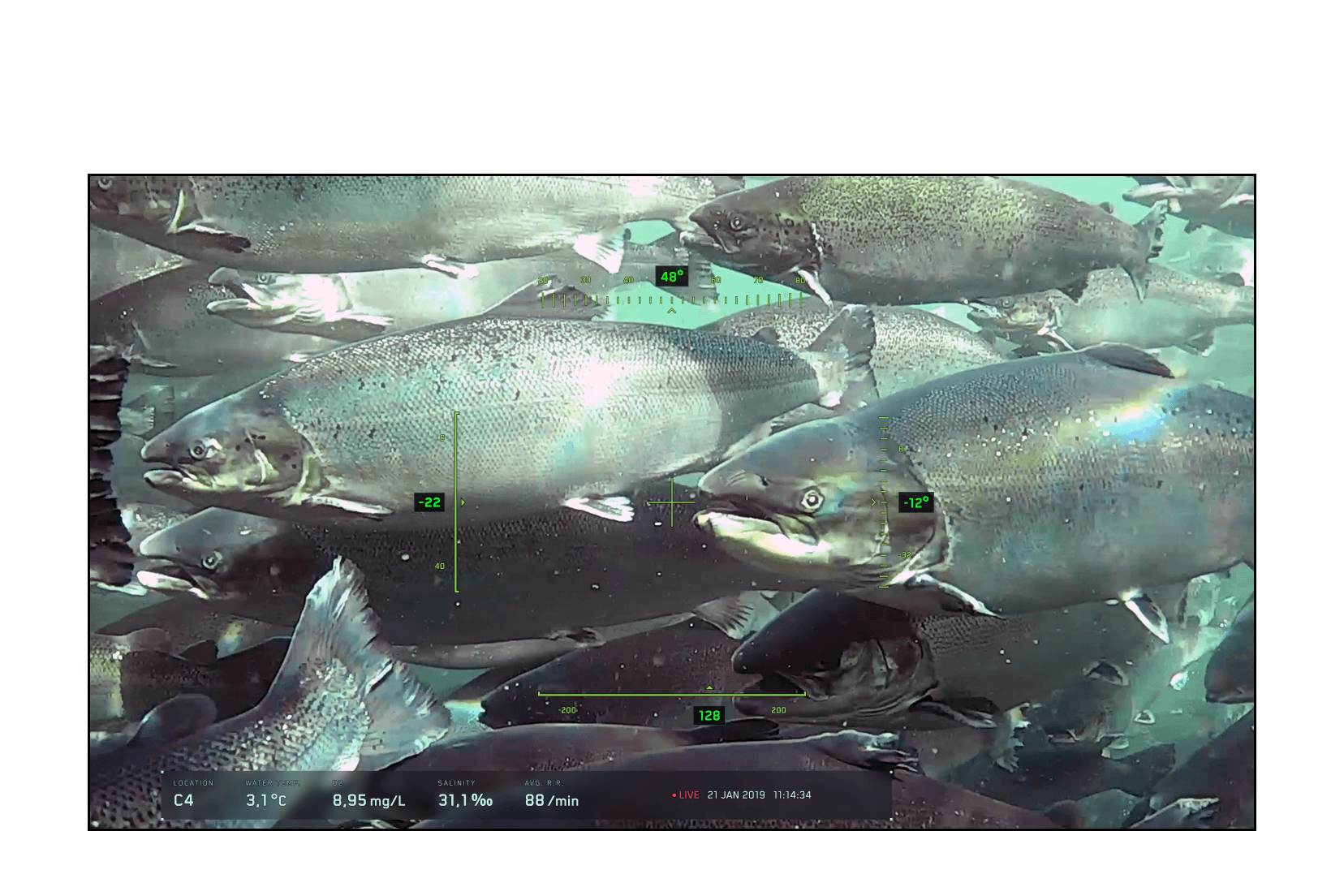
Full screen
Single camera with HUD and information overlay
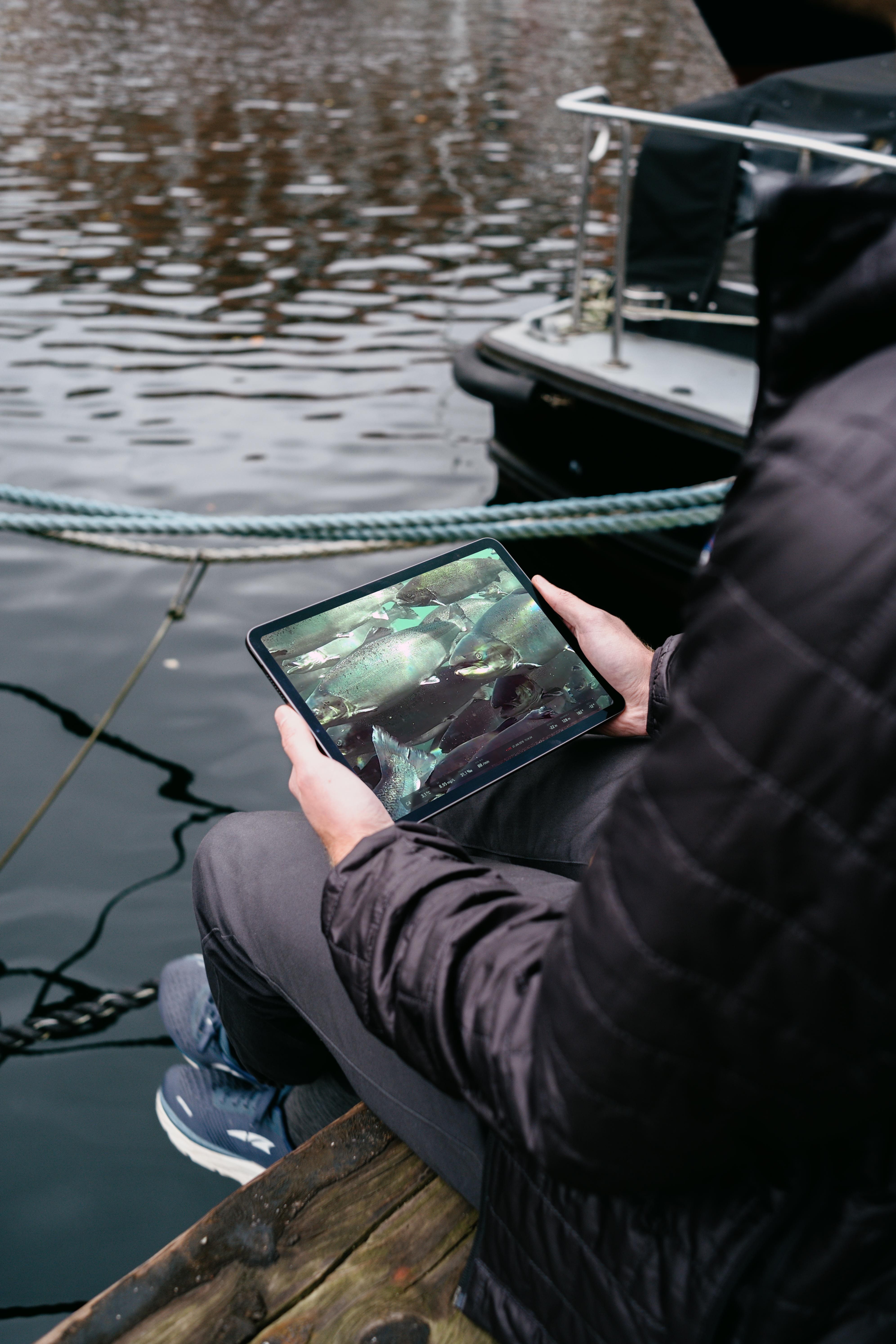
From no software to full control room
When we started, Sealab had no customer-facing interface. When we finished, the system was live at three commercial fish farms, were operators could steer cameras, control lights, and configure what showed on every screen in the control room, through the design of the user interface on a tablet. And feature design for feeding, fish health tracking, and integrated AIS (Automatic Identification System) were well underway.